The number on a solar panel box comes from a lab, not from your campsite. Clouds, shade, and a bad angle can cut the power you actually get, so your laptop may end the day low.
This guide shows you how to choose a solar panel for laptop charging while camping, based on what your laptop needs.
Charging a Laptop With Solar While Camping: What Actually Works
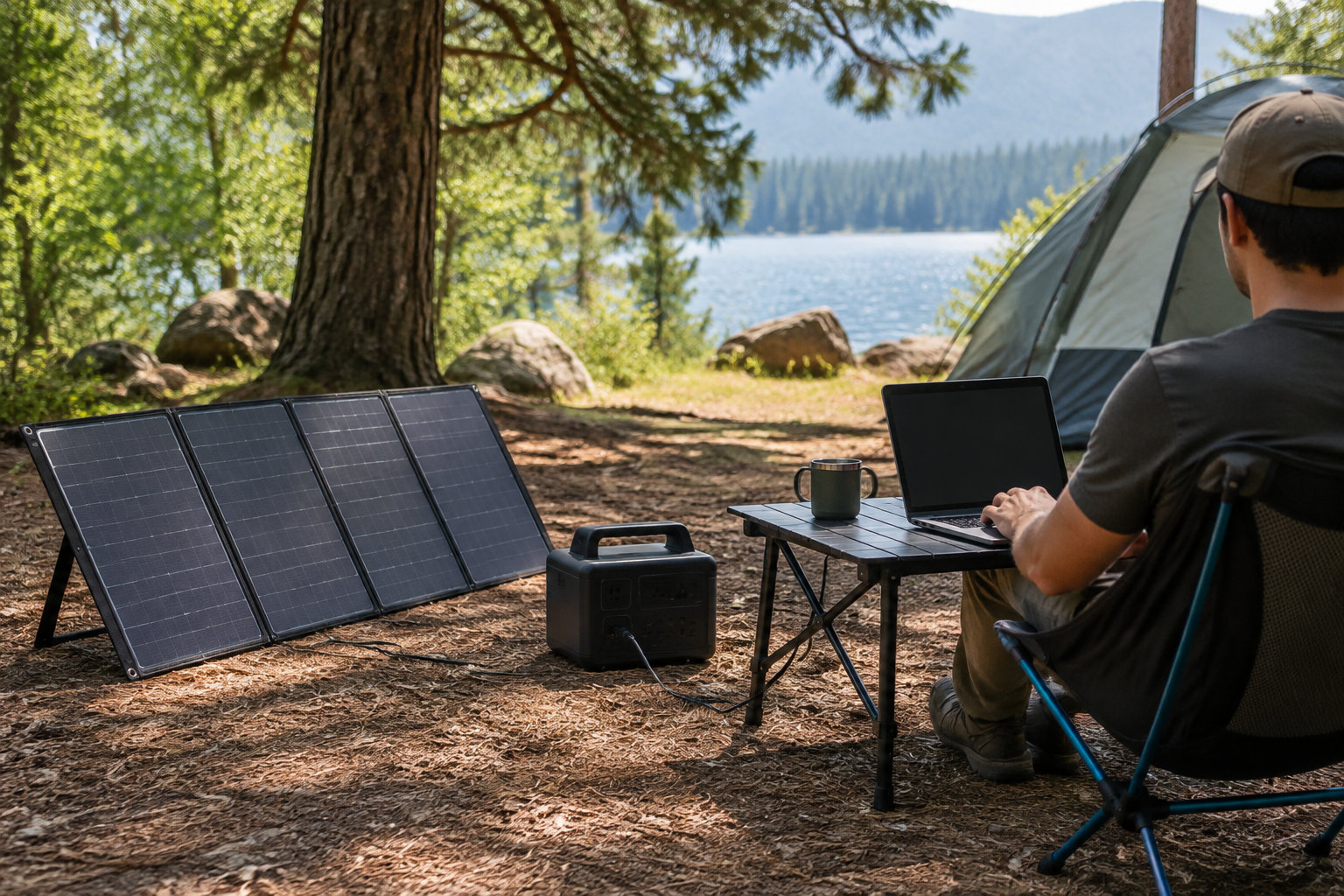
A 100W solar panel can run a laptop at camp, but only with a battery or power station to store its output. On its own, the panel’s output swings with the sun, clouds, and angle. So it can’t deliver steady charging.
Four setups, and why the first one is the most reliable
- Panel, power station, laptop: the station stores daytime solar energy, then supplies stable USB-C or AC power in shade or after sunset.
- Direct panel to laptop: sunlight changes constantly, and most laptops need a negotiated charging voltage, not the variable output of a bare panel.
- USB-C battery pack: the panel charges the pack, and the pack charges the laptop through USB-C Power Delivery, a standard that lets both devices agree on voltage and current.
- Precharged battery pack: it gives immediate power at camp. A pack charged on site depends on daylight, panel placement, and weather, so keep a reserve if you plan to work in the evening.
Read the numbers on the box correctly
Panel wattage is the maximum power measured under standard lab conditions. A 110W panel does not give 110W every minute outdoors. Heat, clouds, angle, dirt, and shade all lower the live reading.
Battery capacity is measured in watt-hours (Wh). A 288Wh power station stores about three times the energy of a 100Wh pack, before conversion losses. It weighs more, though, and takes more space.
Output wattage answers a different question. A 288Wh station with a 100W USB-C port stores plenty of energy. That port still caps the laptop at 100W at any moment.
For a dependable setup, match three figures.
Check your laptop’s charging needs before buying solar gear
A modern USB-C laptop may need 30W, 45W, 65W, 100W, or more. Some older models still use a proprietary barrel connector. Check the original charger first.
Read the wattage printed on the charger. A 65W charger means the system is designed for a source delivering up to 65W. Actual draw changes with battery level and workload.
| Laptop type | Typical USB-C output | What it suits |
|---|---|---|
| Lightweight laptop | 30W to 45W | Writing or browsing |
| Larger ultrabook | 65W | Extra headroom, especially when you use the laptop while it charges |
The laptop must accept charging through its USB-C port. A port used only for data or display output won’t take power, even if the connector fits. Check the manual or the charging symbol beside the port.
Follow the AC route if USB-C fails
-
Plug in the original charger
Plug the original wall charger into the station’s AC outlet. Using the original charger keeps the voltage and wattage the laptop expects.
-
Compare the wattage to the station rating
Confirm the charger’s wattage is below the station’s continuous AC rating. A 65W charger needs a station rated above 65W, with spare capacity for conversion losses.
The cable can set a limit too. Certified USB-C cables carry ratings such as 60W or 240W. A low-rated cable can throttle charging, even when the power bank and laptop support more.
Read the port table, not only the headline wattage. A station may cap each port, or cut total output when several devices run together.
The following video shows the physical sequence. You will open the panel, connect the solar cable to the station, and turn on the inputs. Then you will watch the station display solar input.
Choose among three setups based on how long you stay
Pick your system based on how you charge your laptop, then adjust capacity and weight. A small USB-C setup suits hiking. A power station suits longer stays and several devices.
| Setup | USB-C power bank | Compact power station | Large power station with multiple panels |
|---|---|---|---|
| Best use | One lightweight laptop and phone | Laptop, phone, camera, and occasional AC charger | Several laptops, long stays, or RV camping |
| Typical output | 45W to 100W USB-C | 60W to 100W USB-C, plus AC | 100W or more USB-C, high AC output |
| Main limit | Limited stored energy and solar input | Heavier than a power bank | More weight, space, and transport restrictions |
USB-C power banks
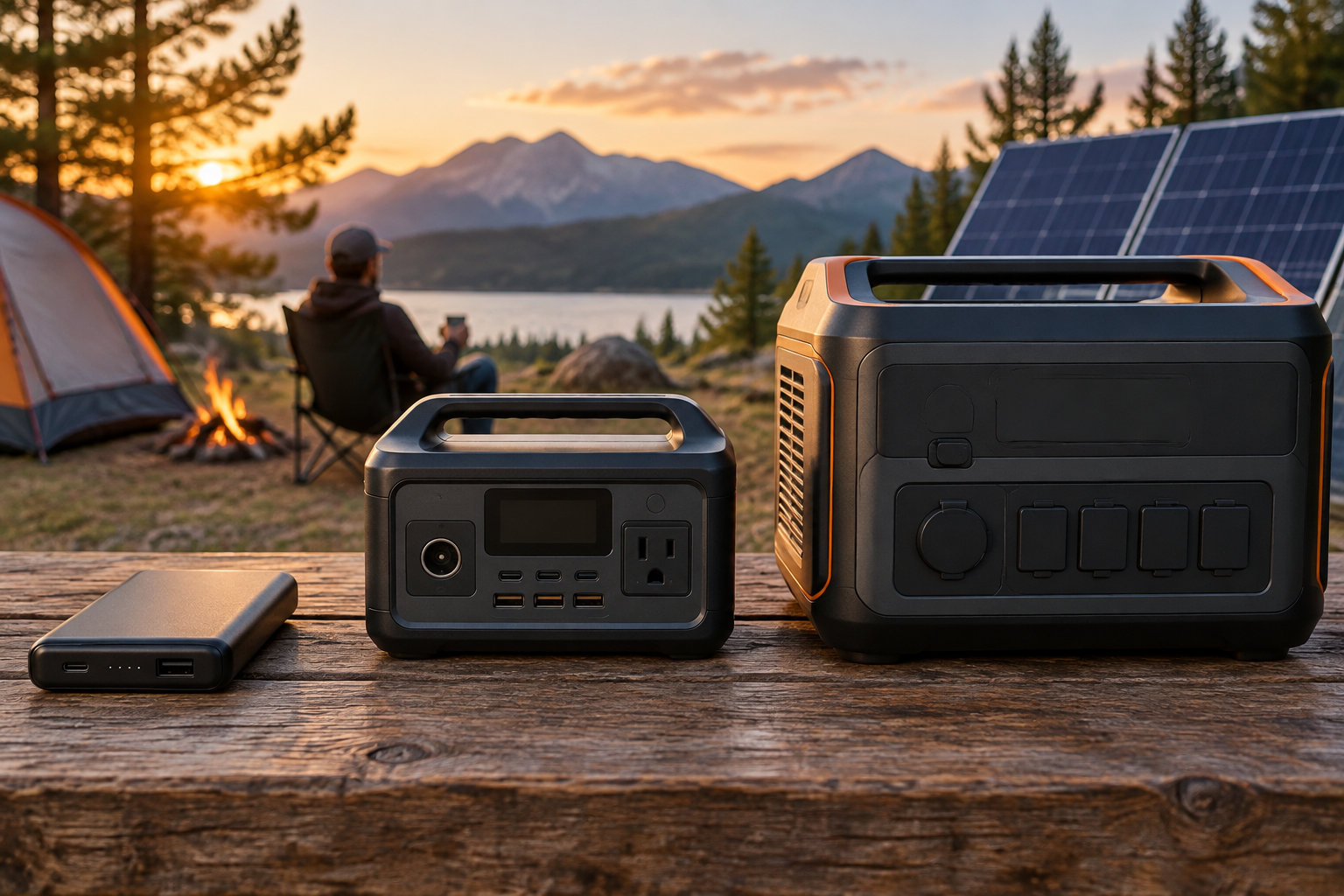
A laptop power bank of 20,000mAh to 25,000mAh fits a short trip. But mAh alone doesn’t show usable energy. A 25,000mAh pack at 3.6V stores about 90Wh before internal losses.
Check the solar input separately. Many laptop power banks recharge from a wall charger. That doesn’t mean they accept direct solar input. The panel must supply a voltage and protocol the pack supports.
Compact power stations
A compact station gives you more connection options. The Jackery Explorer 300 Plus stores 288Wh, provides 300W of AC output, and offers USB-C output up to 100W.
The EcoFlow RIVER 2 Max has 512Wh of capacity, 100W USB-C output, and up to 220W of solar input. It runs a laptop plus smaller devices. It also recharges well during the day.
AC output helps when your laptop won’t charge over USB-C. You can use the laptop’s normal charger. But the inverter adds conversion losses and usually drains the battery faster than direct USB-C.
Large stations and multiple panels
A larger station fits multi-day car camping, RV use, or several people sharing power. The EcoFlow DELTA 3 stores 1,024Wh, accepts up to 500W of solar input, and provides 100W from each of two USB-C ports.
Multiple panels only speed up charging when the station accepts their combined voltage, current, and wattage. Two 110W panels do not automatically produce 220W at the station.
Before you buy a multi-panel setup
- Check the station’s maximum solar input in watts
- Confirm the combined voltage and current of your panels fit its input range
- Keep the total panel wattage within the station’s solar input limit
Panel size trades portability against charging capacity
A 100W class folding panel is a practical middle ground for car camping. It refills a compact station during useful daylight. But it is too large for many hiking setups.
Format and transport
A 60W panel packs smaller and lighter. But it supplies less power on short winter days or cloudy weather. It suits a small battery, phone, tablet, or low-use laptop setup that can sit in the sun for longer.
A 100W or 110W folding panel gives more usable reserve. The EcoFlow 110W panel weighs 8.8 pounds. It folds to about 20.2 by 16.5 by 0.8 inches and is rated for 110W under test conditions.
The Goal Zero Nomad 100 weighs 10.2 pounds and folds to about 20.5 by 15.5 by 2 inches. Its 100W rating and 14V to 22V operating range suit compatible power stations. They are not made for a generic USB laptop connection.
Panel sizes fall into three rough ranges, each with a trade-off:
- 10W to 30W: easy to carry, but mainly suited to phones and small batteries.
- 60W to 110W: balances laptop charging with car camping.
- 160W to 220W: recharges faster, but needs more ground space and a stronger station input.
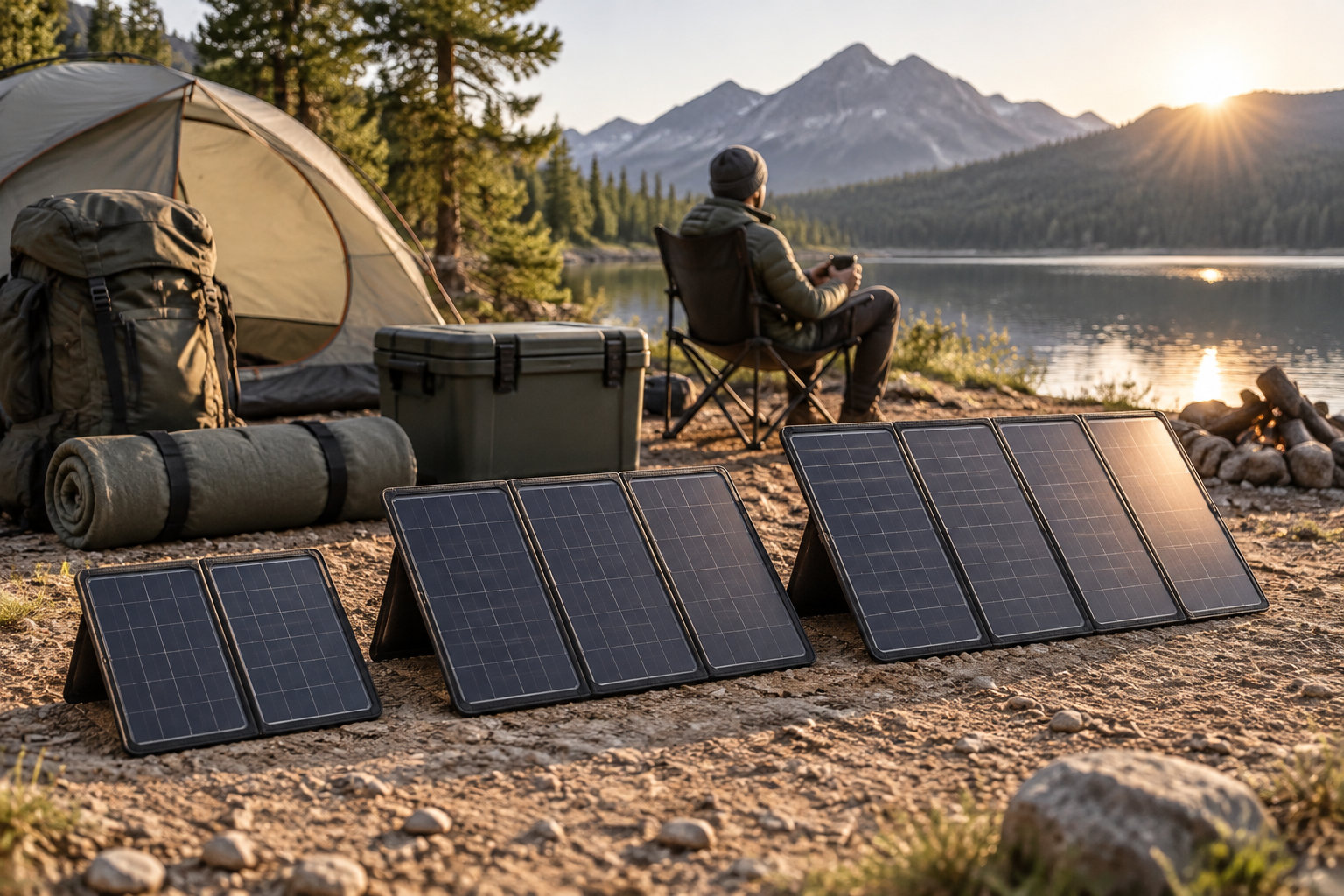
Use a 100W class panel when you can park close to the campsite. Pick a smaller one when every pound goes into a backpack. For an RV or van, choose the largest panel that fits the storage area and stays within the station’s solar input limit.
Price and comparison
Official U.S. prices vary by model and stock status. EcoFlow lists its 110W portable panel at $399. The Goal Zero Nomad 100 lists at $399.95. These prices cover the panel and its stated accessories, not necessarily a power station or every adapter.
Compare rated power first. 100W or 110W sets the maximum charging rate. Then check whether a solar cable is included. A missing cable adds cost and delays setup.
Three checks before you buy
- Rated power: 100W or 110W sets your maximum charging rate.
- Solar cable: confirm it is included, or budget for it.
- Input range: the panel must stay within your power station’s solar input limit.
Match solar input limits to the panel before connecting
A panel works with a station only when its voltage, current, connector, and wattage all fit the input. Matching wattage alone is not enough.
Electrical limits
Open-circuit voltage (Voc) is the panel’s voltage when nothing is connected. Short-circuit current (Isc) is the current when its output is shorted under test conditions. Check both against the station’s input limits.
Input limits come as a voltage range, a maximum current, and a maximum wattage. The EcoFlow DELTA 3 accepts 11V to 60V and up to 500W. The RIVER 2 Max accepts 11V to 50V and up to 220W.
Check these four limits before you plug in
- Voltage: the panel’s output stays inside the station’s input range.
- Current: the panel’s maximum current stays below the station’s listed maximum.
- Connector: the plug fits the station’s solar port, with matching polarity.
- Wattage: the panel’s total wattage stays under the station’s maximum solar input.
Connecting the equipment
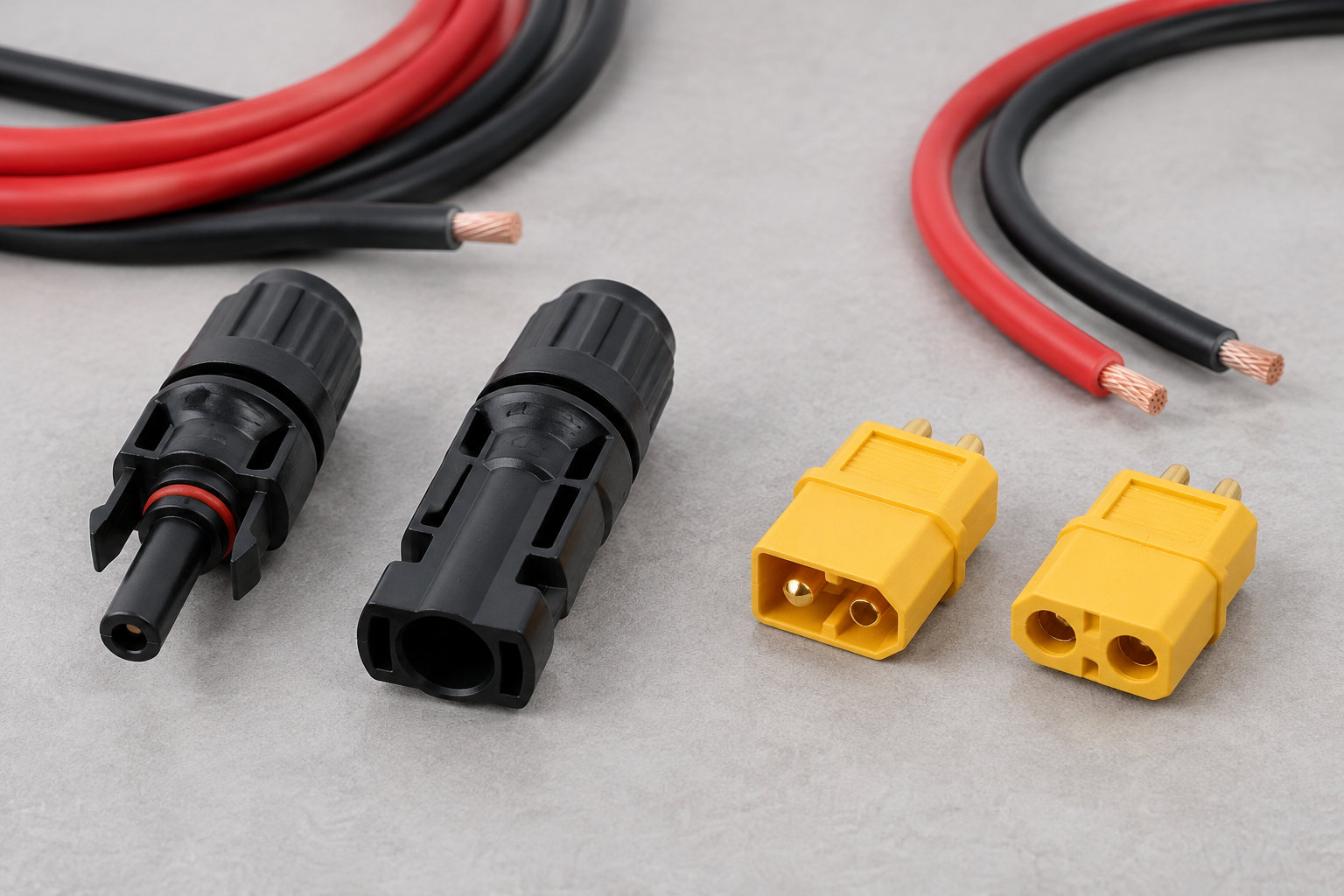
Check the plug at both ends. EcoFlow panels often use an XT60 cable, while other panels may use MC4 connectors or a brand-specific port. An adapter must match polarity, voltage, current, and connector type.
A USB-C laptop expects a negotiated Power Delivery profile. A basic 5V USB port cannot replace a 20V USB-C PD source, even though the connector shape is the same.
Some stations accept solar through USB-C. The Jackery Explorer 300 Plus takes up to 100W through its USB-C input. It needs the correct adapter for compatible panels.
Don’t connect a panel directly to a power bank unless the manufacturer lists that input method. A panel can exceed the pack’s input voltage or deliver an unstable profile, which can stop charging or damage the electronics.
Estimate stored energy before choosing capacity
Start with the laptop battery’s Wh rating. Then add the energy you use while you work. A 60Wh battery does not give you one full recharge from a 60Wh power bank. Conversion losses cut the usable energy.
Calculate your needs
Find the laptop battery capacity in its specifications or system information. Then estimate the energy you need:
Required battery capacity = laptop energy needed ÷ total system efficiency
For a 60Wh battery, allow roughly 15% to 25% for conversion and charging losses. That gives a target of about 70Wh to 80Wh for one full recharge. Treat this as an estimate, not a guaranteed runtime.
A 100Wh power bank may give you about one useful laptop recharge. The result depends on output voltage, battery condition, and whether you use the laptop while it charges. A 288Wh station offers more reserve. But AC conversion reduces the energy the laptop receives.
Workload changes the result. Writing and email draw less power than video editing, gaming, external displays, or compiling software. A laptop drawing 45W while working can use 180Wh over four hours, before charging losses.
Choose output wattage separately from capacity. A 500Wh battery with a 30W USB-C port may not keep a laptop charged during heavy use, while a 100Wh battery with a 100W port delivers the right rate but runs out sooner.
Transport and safety
A battery’s watt-hours equal volts multiplied by amp-hours. If a battery lists only 25,000mAh at 3.6V, calculate 25Ah × 3.6V. That gives about 90Wh.
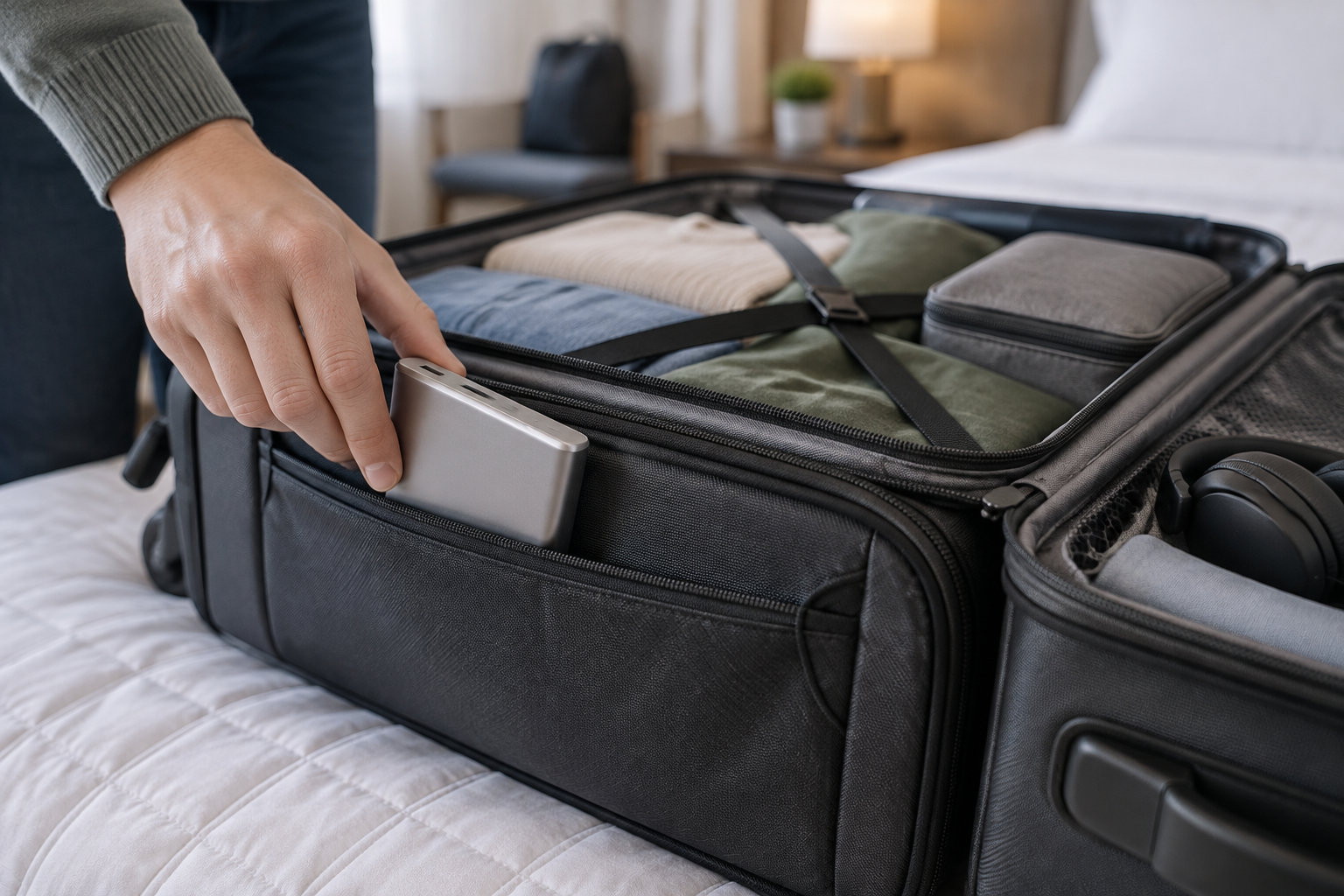
The FAA allows spare lithium batteries and power banks up to 100Wh in carry-on baggage. Batteries from 101Wh to 160Wh need airline approval. Spare batteries above 160Wh are forbidden on passenger aircraft.
Before you fly, keep these rules in mind:
- Keep power banks and spare batteries in carry-on baggage, never in checked luggage.
- Protect exposed terminals from short circuits.
- Check your airline’s quantity rules before you pack.
Most large camping power stations exceed the passenger-aircraft limit. Plan to drive with them, rent compatible equipment, or carry a smaller approved battery pack when you fly.
Position the panel for the sun you actually have
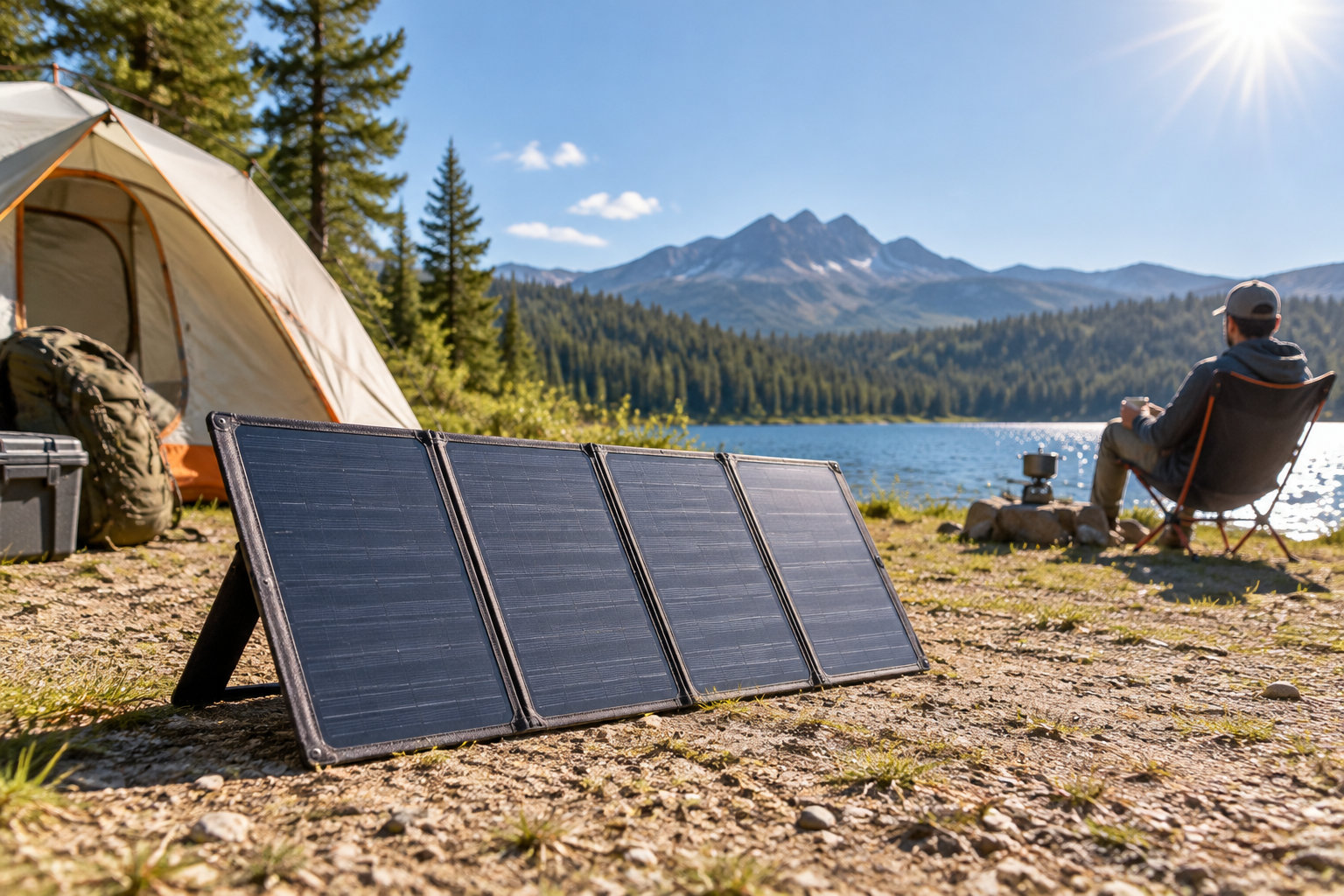
Panel placement can matter more than buying a higher-rated panel. Face the panel toward direct sunlight. Keep every cell clear. Then check the station’s live input reading after each adjustment.
Optimize production
In the continental United States, a south-facing tilt between 15 and 40 degrees supports strong solar production. A portable panel needs no permanent mount. So you can adjust its direction as the sun moves.
Place the panel outside the vehicle, away from tent walls, branches, roof racks, and footprints. A small shadow across part of a panel can reduce the output the station reports, depending on the cell layout.
Before you trust the reading
- Face the panel toward direct sunlight.
- Keep every cell clear of tent walls, branches, roof racks, and footprints.
- Check the station’s live input reading after each adjustment.
- Recheck the angle every few hours when practical.
Start the station and watch the solar input in watts. A clear sky with a low reading points to poor angle, a loose connector, dirt, or shade. Reposition the panel before assuming it is defective.
Recheck the angle every few hours when practical. A flat panel may still charge. But it receives less direct light than one aimed at the sun.
Plan for changing conditions
Thin clouds still produce power. Thick clouds and rain can cut output sharply. A 110W panel may supply enough energy at midday on a clear day. Yet it may fail to refill a battery before evening during a storm.
Charge the station during the strongest daylight, then use the stored energy later. Running the laptop straight from the panel during changing sunlight causes interruptions. The battery smooths them out.
Common mismatches leave the laptop uncharged
The most expensive mistake is buying capacity without checking output. A 25,000mAh label looks big. But the pack still fails if its USB-C port cannot deliver the laptop’s required wattage.
Before buying, compare the panel’s Voc, Isc, and rated watts with the station’s limits, and allow for:
- Shade on any part of the panel, which cuts output faster than you expect
- Clouds, which reduce the sunlight reaching the panel
- Heat, which lowers how much power the panel delivers
- Panel angle, which must face the sun to collect its full output
- Shorter winter days, which mean fewer hours of charging
Test conditions use controlled sunlight and temperature. So don’t expect a 100W panel to deliver 100W at camp.
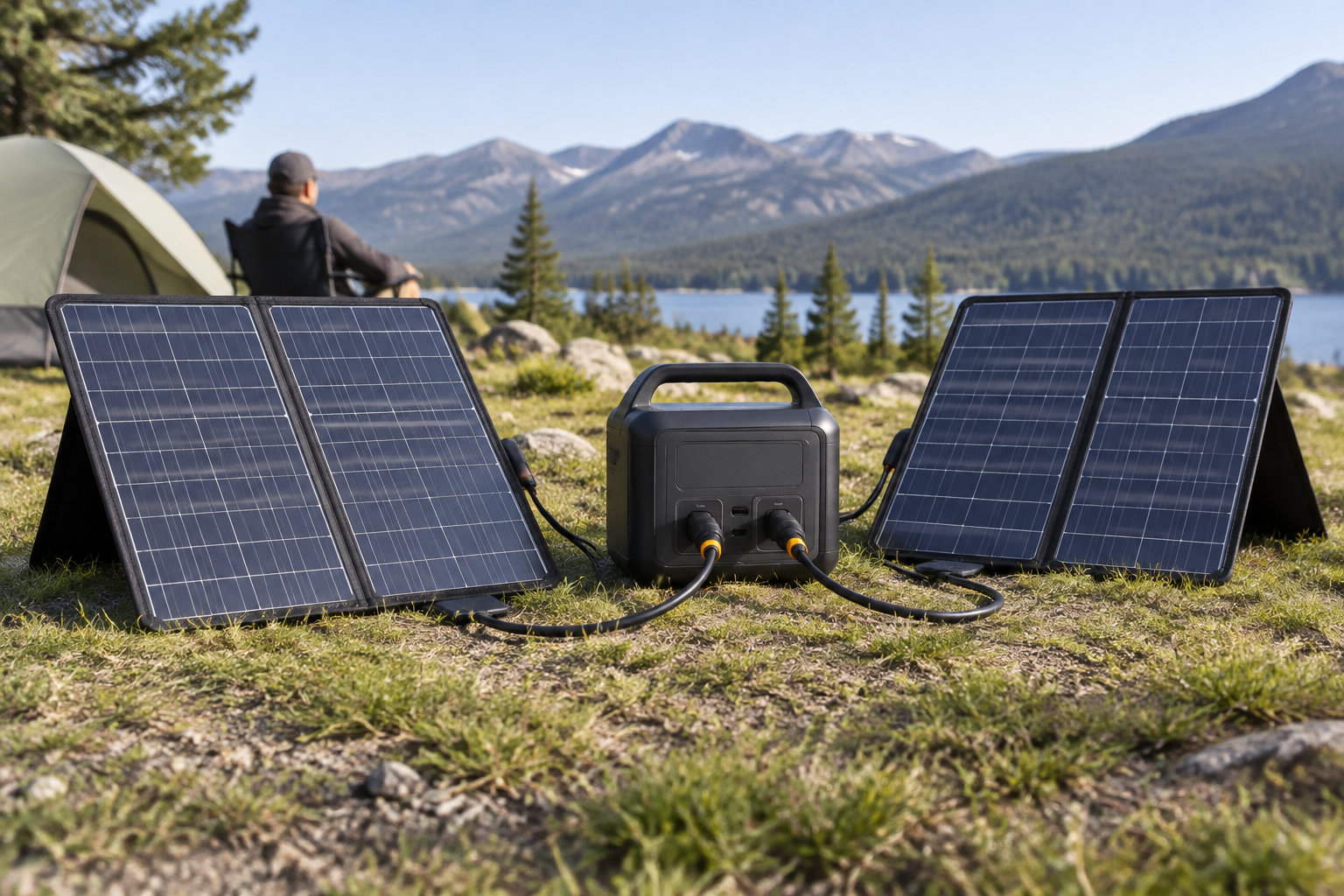
Don’t wire panels in series or parallel until you have calculated the combined values. Series connections can exceed voltage limits, while parallel connections can exceed current limits, and either can stop charging or damage the input circuit.
Start with the wattage printed on your laptop charger, and check whether its USB-C port accepts charging. That single check tells you whether a power bank, a compact power station, or the AC route will keep your laptop running at camp.
Frequently asked questions
Is a 100W solar panel enough for camping?
Yes, for a laptop, but only when it charges a battery or power station rather than the laptop directly.
Clouds and shade cut output sharply, so keep stored energy in reserve for evenings and bad-weather days.
How do you charge a portable power station with solar?
Connect a compatible panel, place it in direct sunlight, then confirm charging on the station’s display.
First check the station’s solar voltage, current, wattage, and connector limits, so the panel fits its input range.
What size solar panel do you need for camping?
For most car camping, a 100W to 110W folding panel gives the best balance of charging power and portability.
Use 60W for a small battery and short laptop sessions, or 160W to 220W for larger stations and longer stays.
What type of solar panel is best for camping?
A folding monocrystalline panel with a built-in stand or carry case suits camping best.
Match the connector and voltage range to your power station, not only the panel’s wattage.